On-device transcription
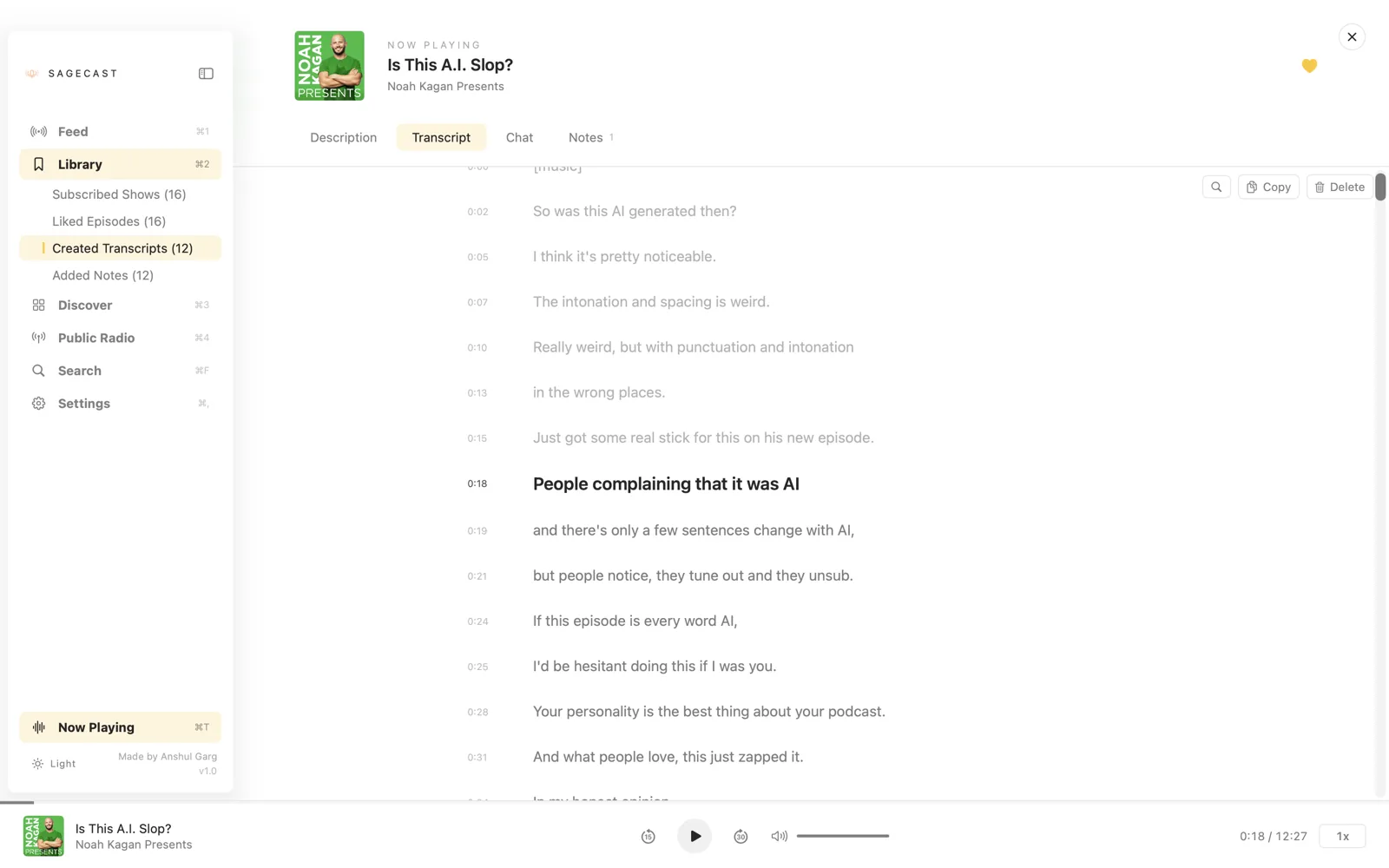
Whisper runs locally via WhisperKit. Audio never leaves your Mac. Pick the model size that fits your patience and disk: tiny / base / small / medium / large.
 SageCast
SAGECAST · MACOS

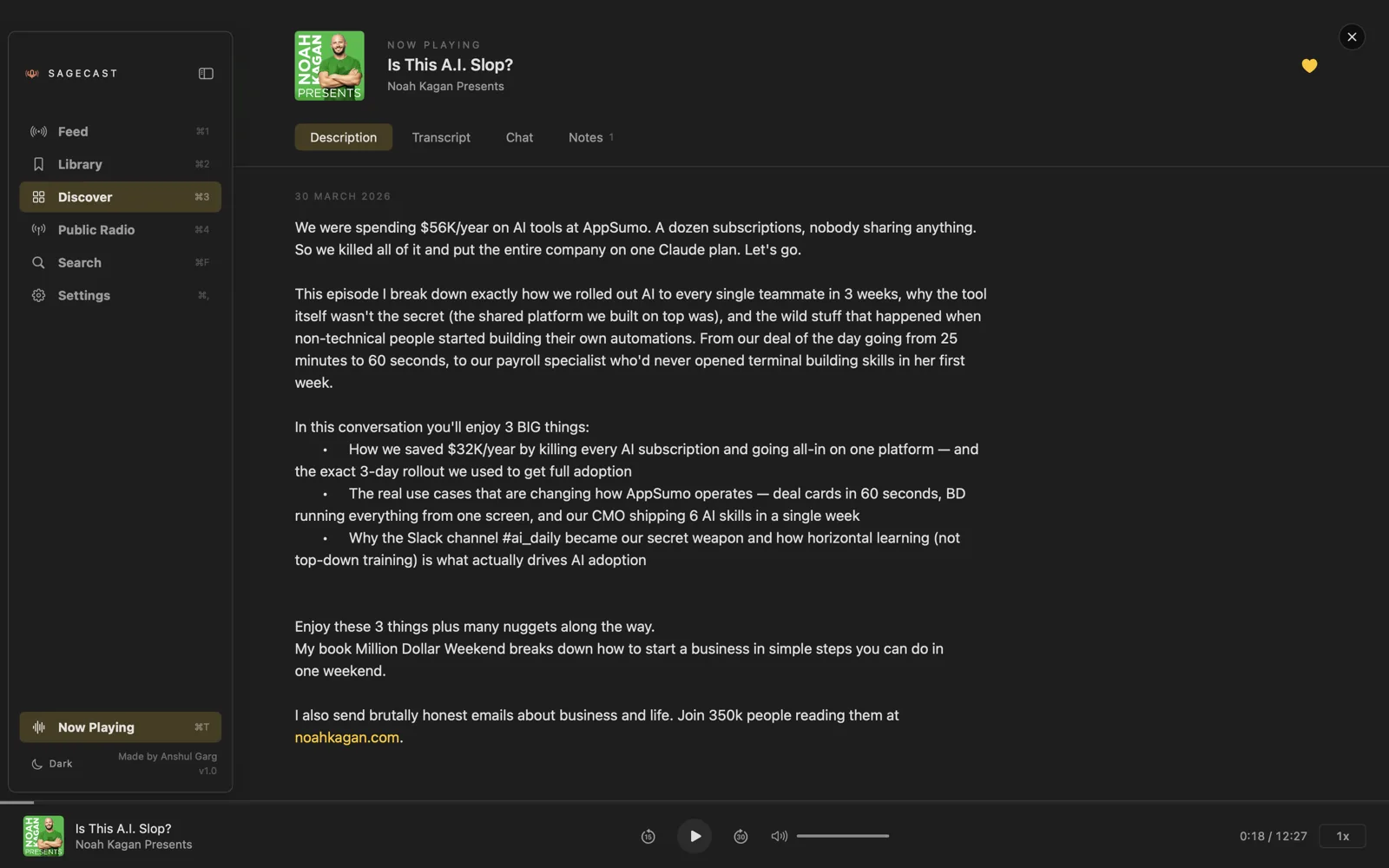
Local-first podcast player. On-device Whisper transcription, time-stamped notes you can scrub to, and an AI chat that talks to your transcript — using your own keys, not ours.
macOS 14 Sonoma or later · Apple Silicon · Free · Open source
FEATURES
Whisper runs locally via WhisperKit. Audio never leaves your Mac. Pick the model size that fits your patience and disk: tiny / base / small / medium / large.
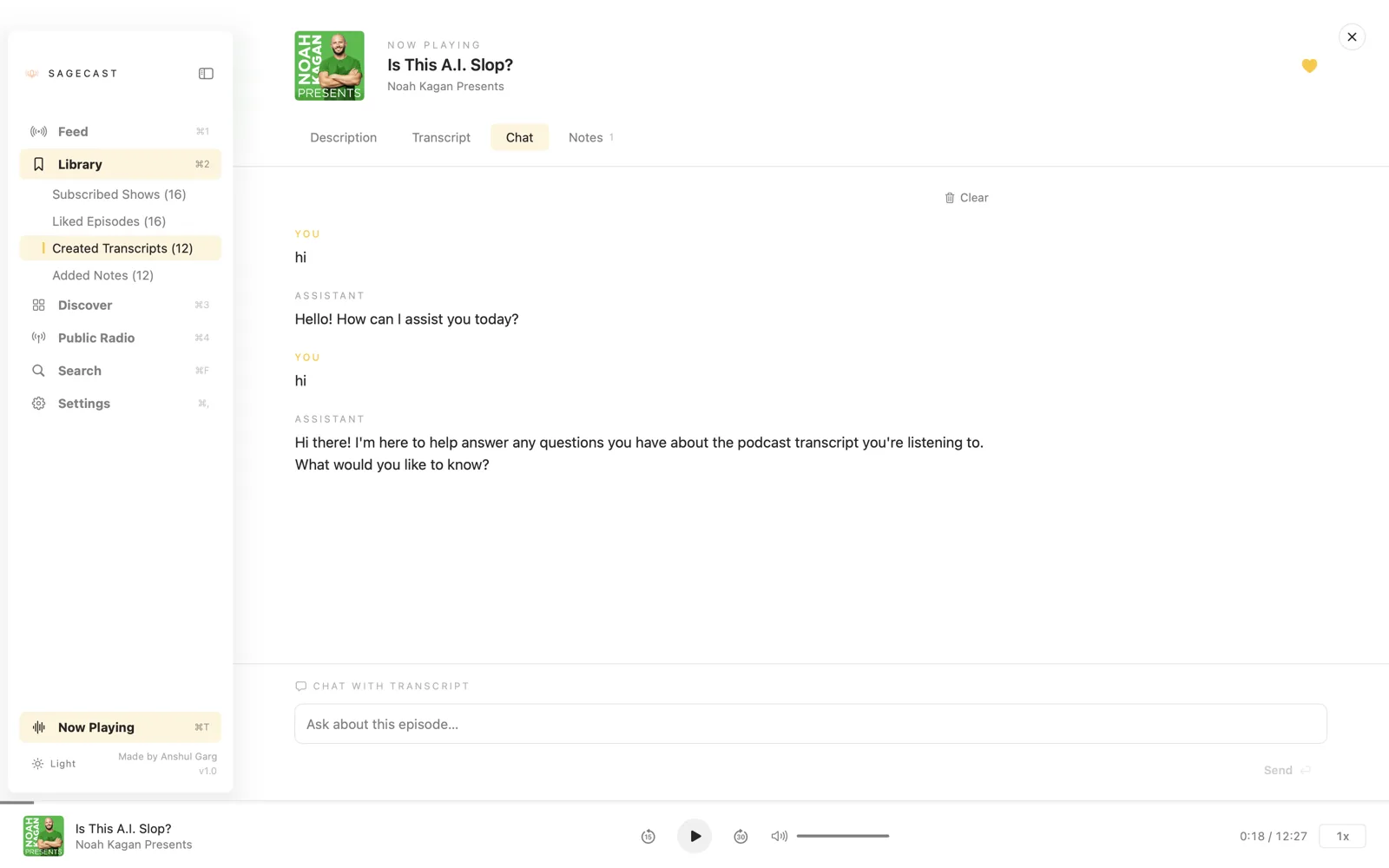
Ask follow-up questions, summarize an episode, pull out action items. Bring your own key for OpenAI, Anthropic, OpenRouter, or Grok — or paste any custom model id.
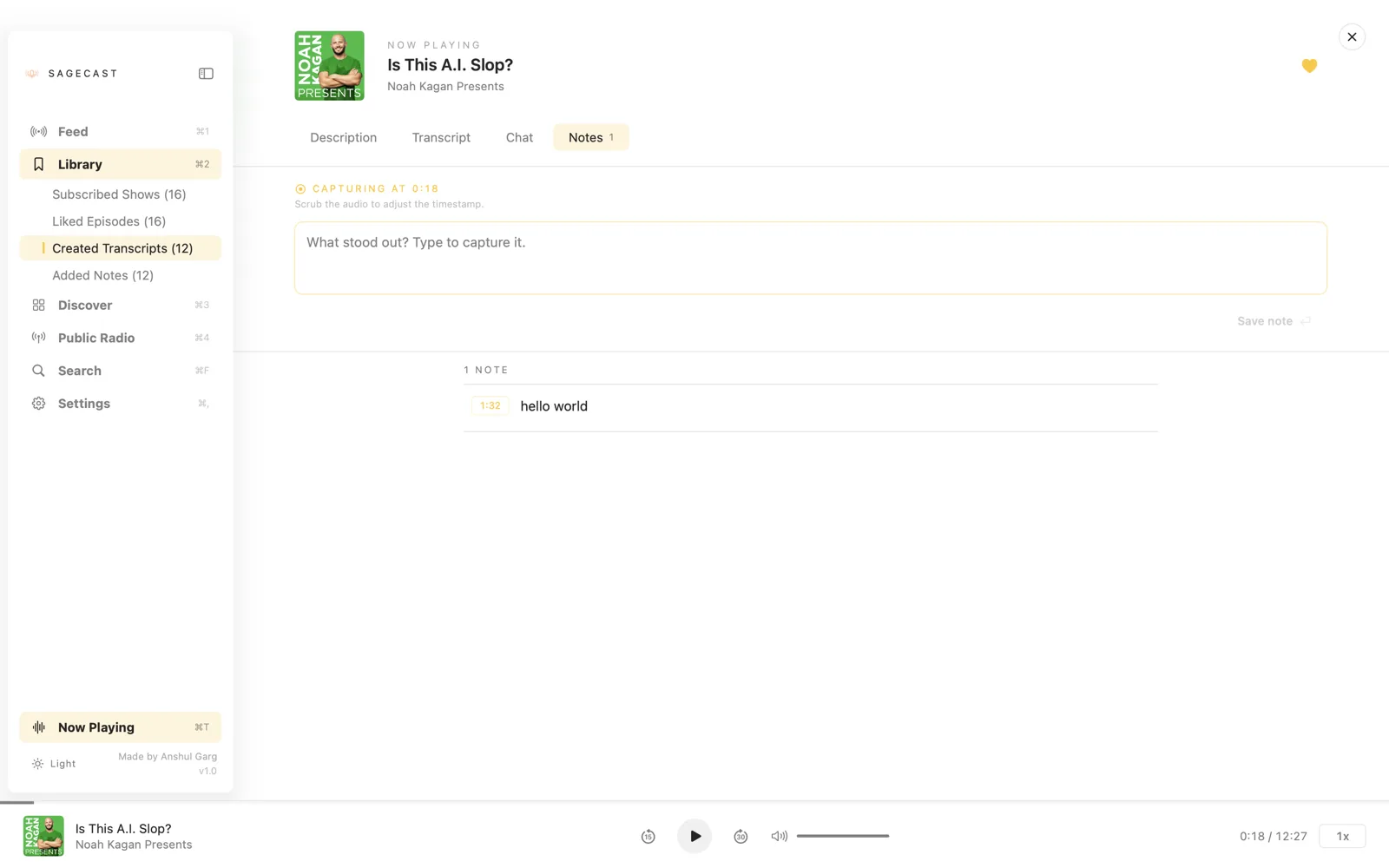
Capture a thought mid-listen. Scrub the audio to nudge the timestamp. Export everything as Markdown grouped by show.
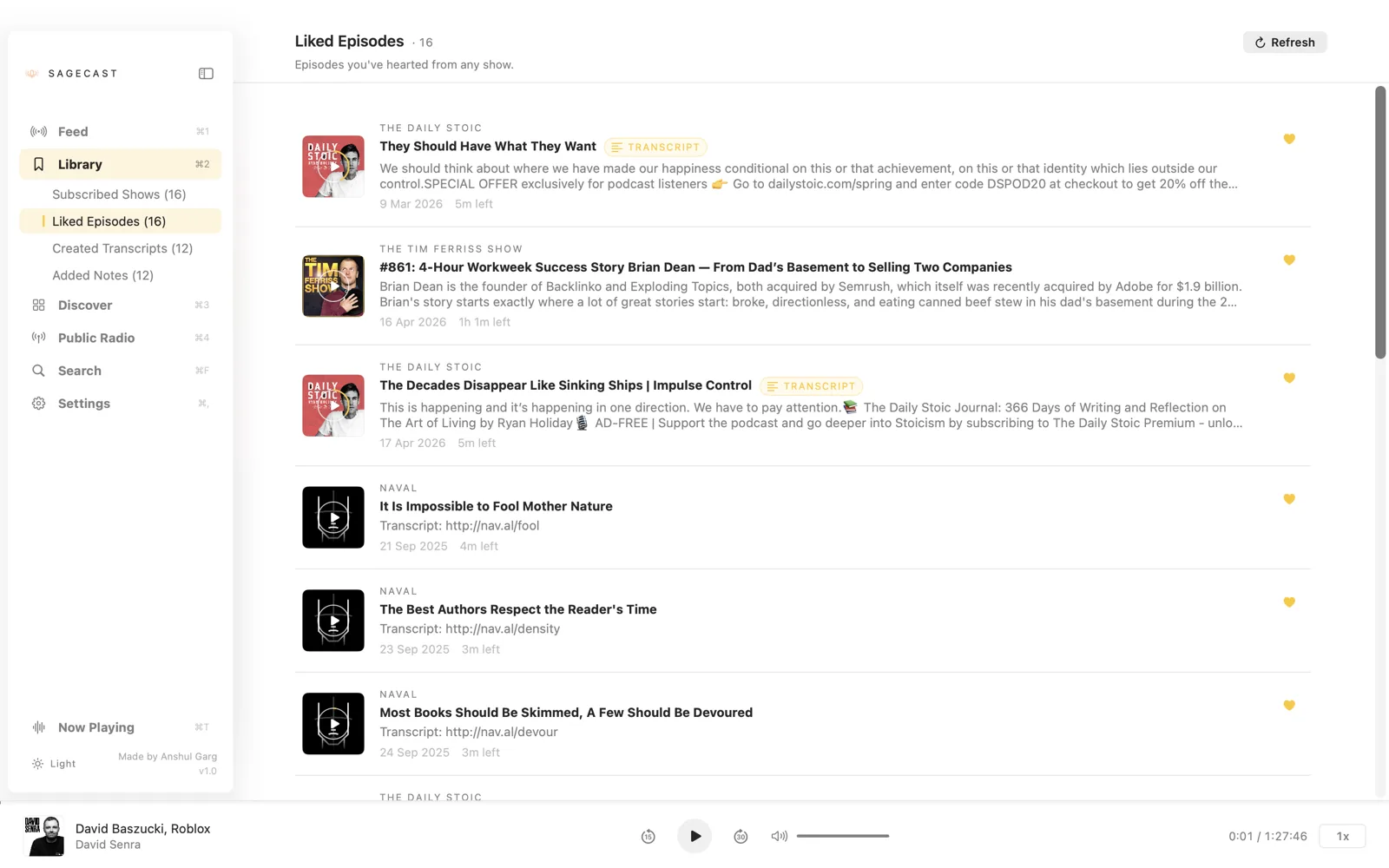
Subscribed shows, liked episodes, transcripts, chats, and progress export to a single JSON file. Import on the next Mac and pick up exactly where you left off.
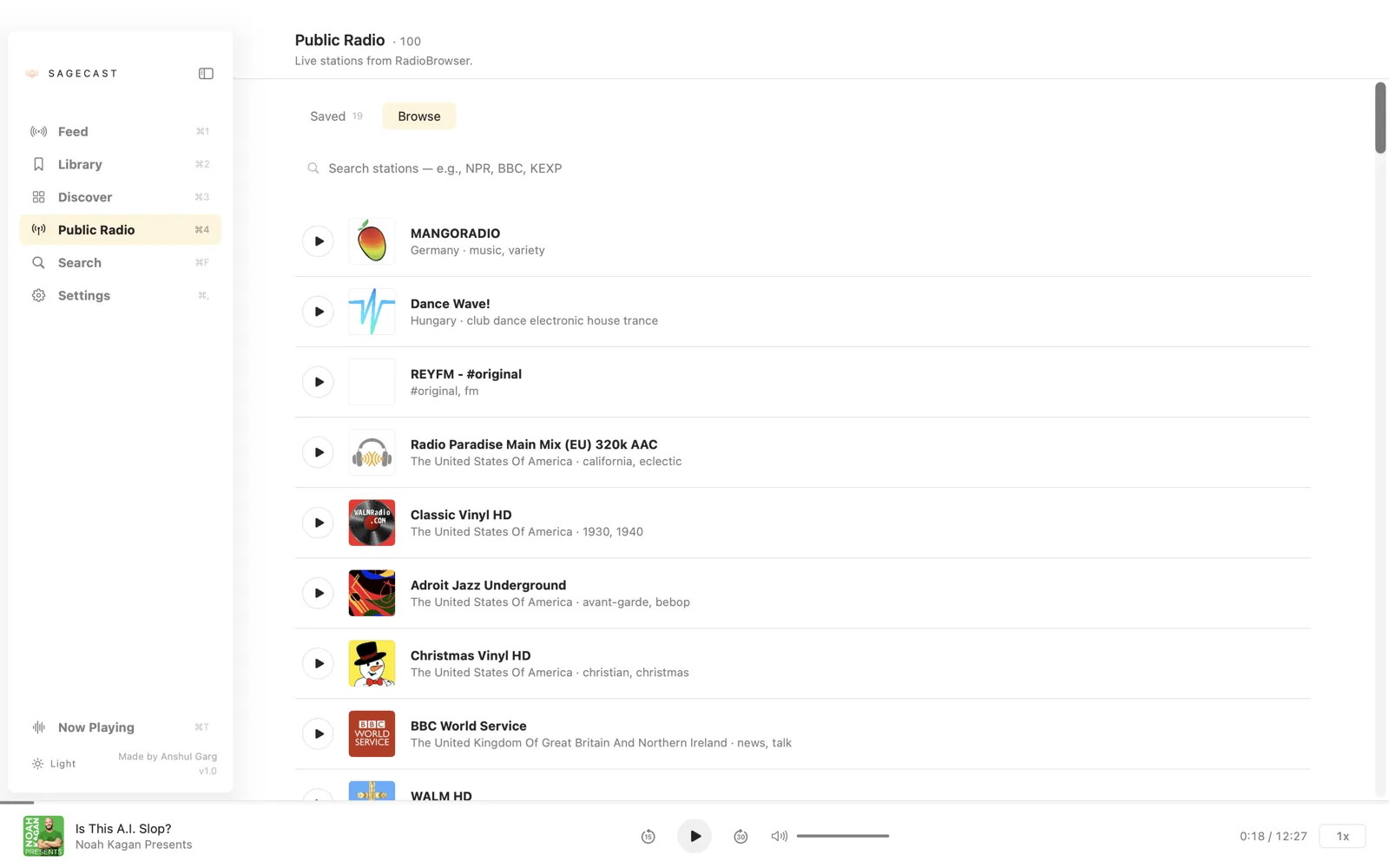
Browse and save live stations from RadioBrowser. Search your saved set in-place. Same player, no second app.
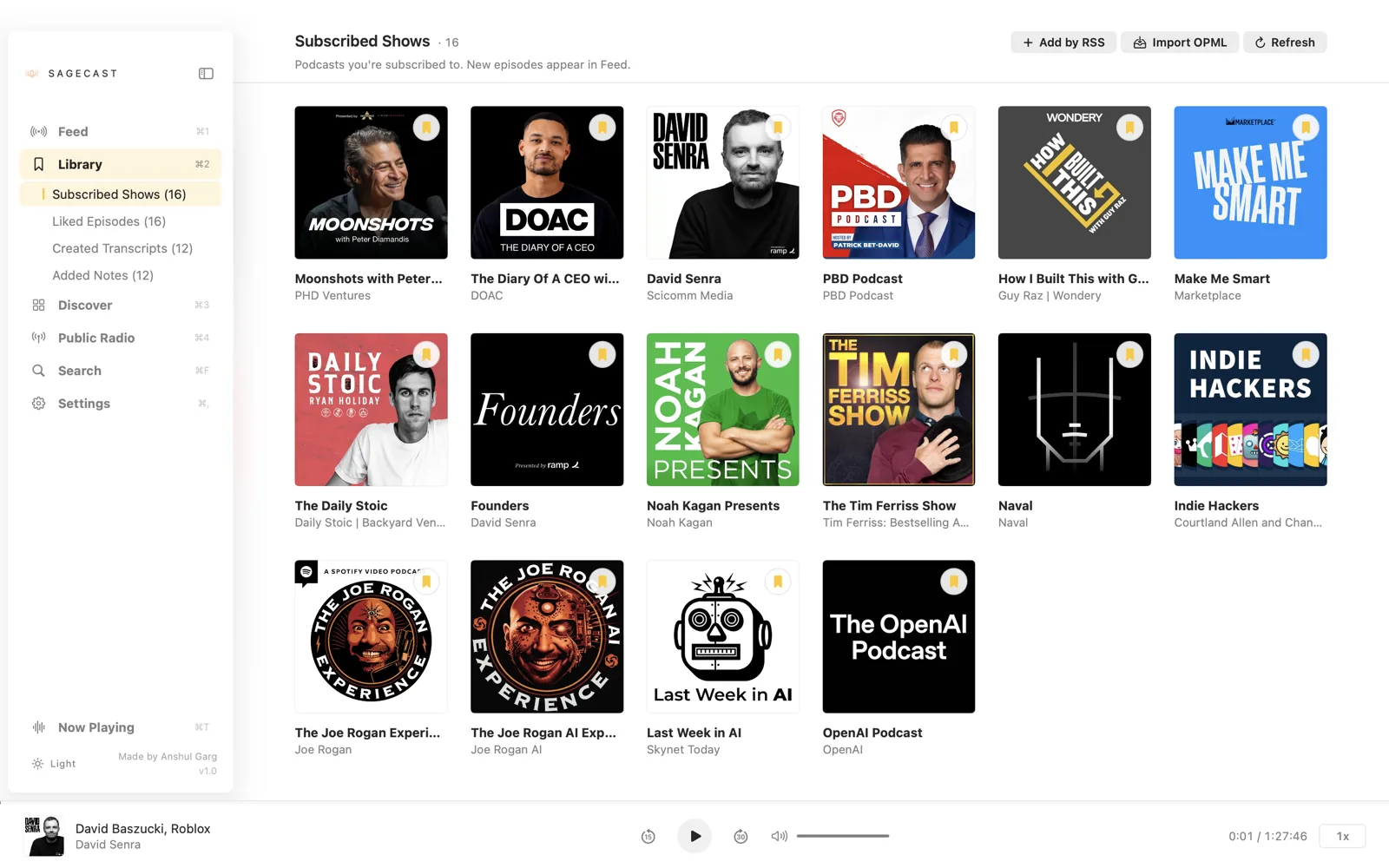
Bring your subscriptions from Apple Podcasts, Overcast, Pocket Casts — any app that exports OPML. One file, one click.
SCREENSHOTS
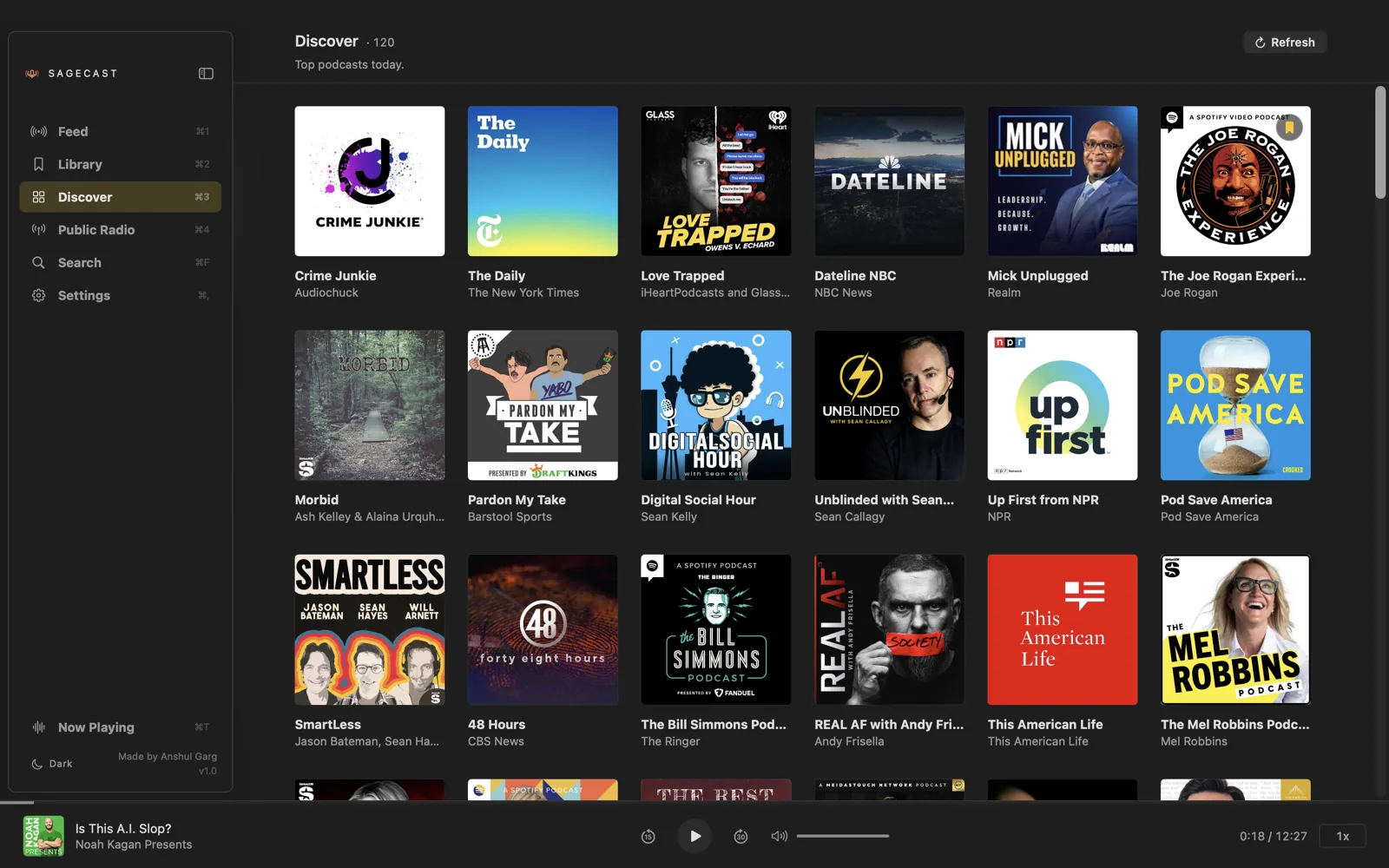
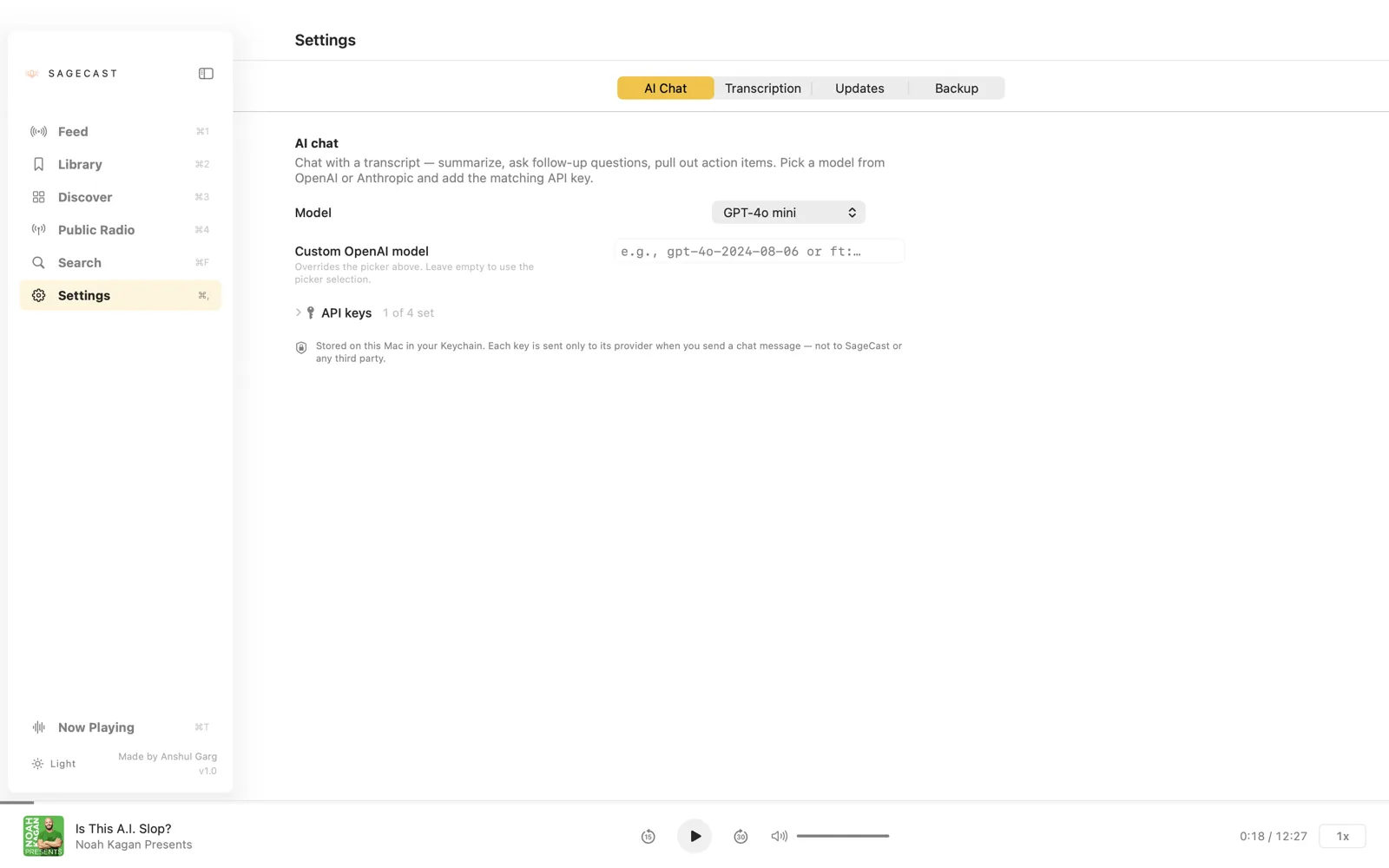
← scroll to see more →
PRIVACY
~/Library/Application Support/Paudcast/.
Whisper models live in
~/Documents/huggingface/ on purpose — they're
multi-GB and shared with any other WhisperKit-based app on
your Mac so nothing gets duplicated.
PRICING
One person built SageCast as a side project, not a startup. There's no subscription, no upgrade tier, no premium-locked features. The whole app, every release.
One honest caveat: the AI chat uses your own API key. Calls go straight from your Mac to the provider, and they bill you on their side — typically pennies per chat. SageCast itself never sees a credit card.
DOWNLOAD
SageCast isn't notarized with Apple yet, so Gatekeeper will warn on first launch unless you take care of it at install time. Pick whichever path fits — the first one is the easiest by a wide margin.
One paste. No Gatekeeper warnings. Auto-updates via brew upgrade.
brew tap anshulg8/sagecast
brew install --cask sagecast
Brew downloads the DMG, verifies the SHA256, copies the app
to /Applications, and strips the quarantine
attribute automatically — so the first launch is silent.
Don't have Brew? brew.sh.
Best if you don't want Brew. Two steps; under a minute.
xattr -dr com.apple.quarantine /Applications/SageCast.appStrips the quarantine flag macOS attaches to anything downloaded over HTTP. Once it's gone, Gatekeeper stops asking.
No Terminal needed. Slightly more clicks.
macOS remembers the override after this. Subsequent launches open silently like any installed app.
FAQ
SageCast isn't notarized with Apple yet (that requires a paid Developer ID). It's just Gatekeeper being cautious about unsigned downloads — the app itself is fine.
Easiest path: install via Homebrew. The cask strips the quarantine flag automatically so first launch is silent. See the three install options in the download section if you'd rather use the DMG.
Only if you want the chat-with-transcript feature. The rest — listening, transcription, notes — works fully offline once you've downloaded a Whisper model.
Start with small — it's the best tradeoff for most Macs and English-language podcasts. Drop to base for an older Mac, jump to medium for harder accents.
Yes. Settings → Backup → Export Settings bundles favorites, notes, transcripts, chats, and progress into a single JSON file. Import on the new machine.
Yes — MIT licensed, source on GitHub. Issues and PRs welcome.
Email hi@anshulgarg.in. Steps to reproduce + a screenshot make my life much easier.